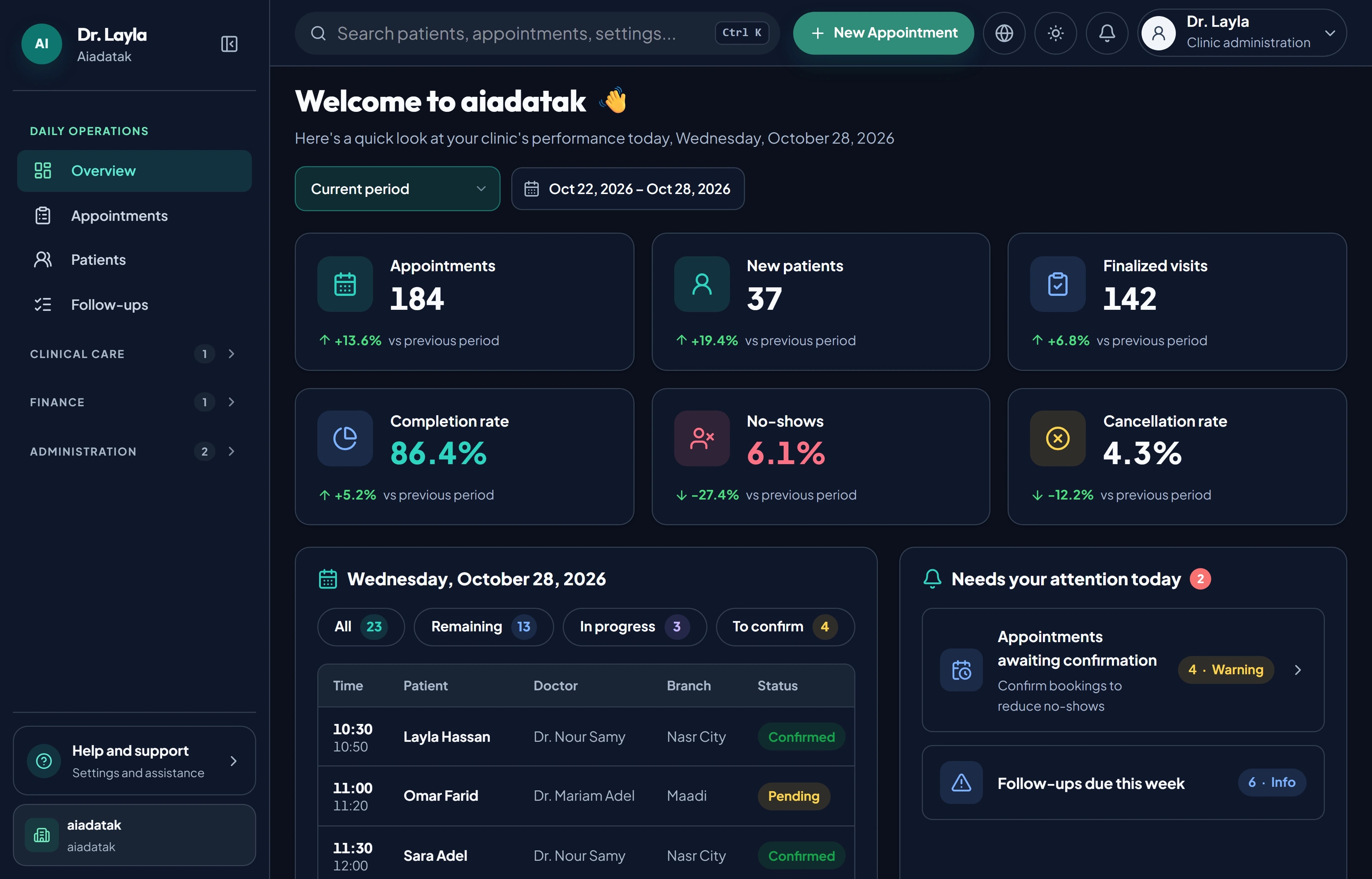
Real availability
Bookings follow each doctor's working hours and blocked times, so patients only see slots you can keep.
Patients book themselves in Arabic or English against your real schedules, so the front desk answers fewer calls and every slot is accounted for.
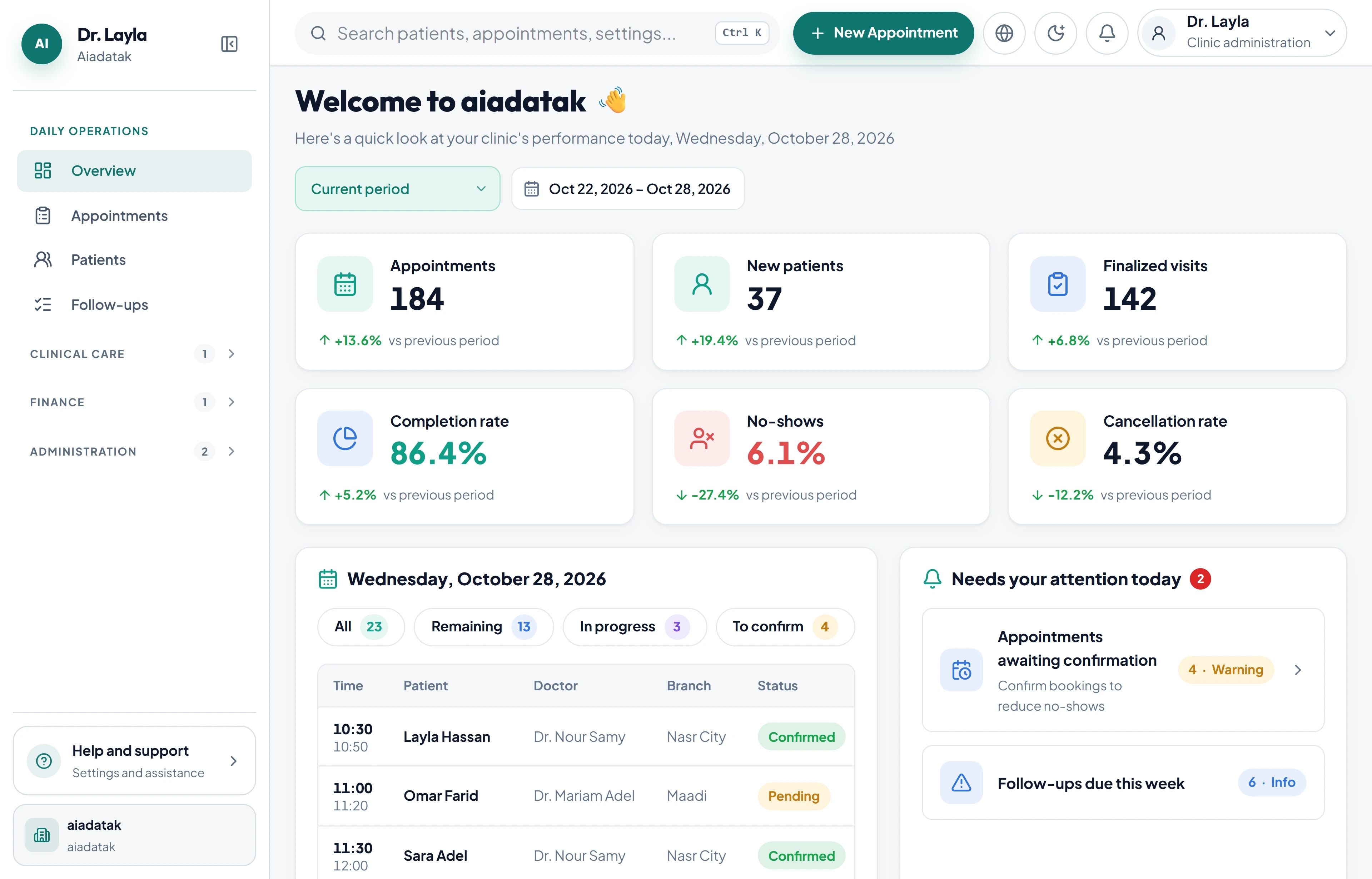
Bookings follow each doctor's working hours and blocked times, so patients only see slots you can keep.
Patients pick the branch and doctor that suit them, across every location in your network.
The booking flow works right-to-left in Arabic and in English, so every patient books in their own language.
New bookings land in the same day list reception uses for confirmations, check-ins and follow-ups.
Patients book themselves in Arabic or English against your real schedules, so the front desk answers fewer calls and every slot is accounted for.
Add branches, doctors, working hours and blocked times.
They choose a branch, a doctor and an available time.
Bookings appear in the day list, ready to confirm and check in.
Yes. Patients choose the branch, the doctor and an available time online, and the booking appears in your day list.
Share your clinics, branches, and priorities. We’ll tailor a focused walkthrough to your team.